

Connect a provider
Open Settings → Integrations, click Connect next to your provider, and follow its sign-in. Your repositories appear in Coverage → Repositories as they sync.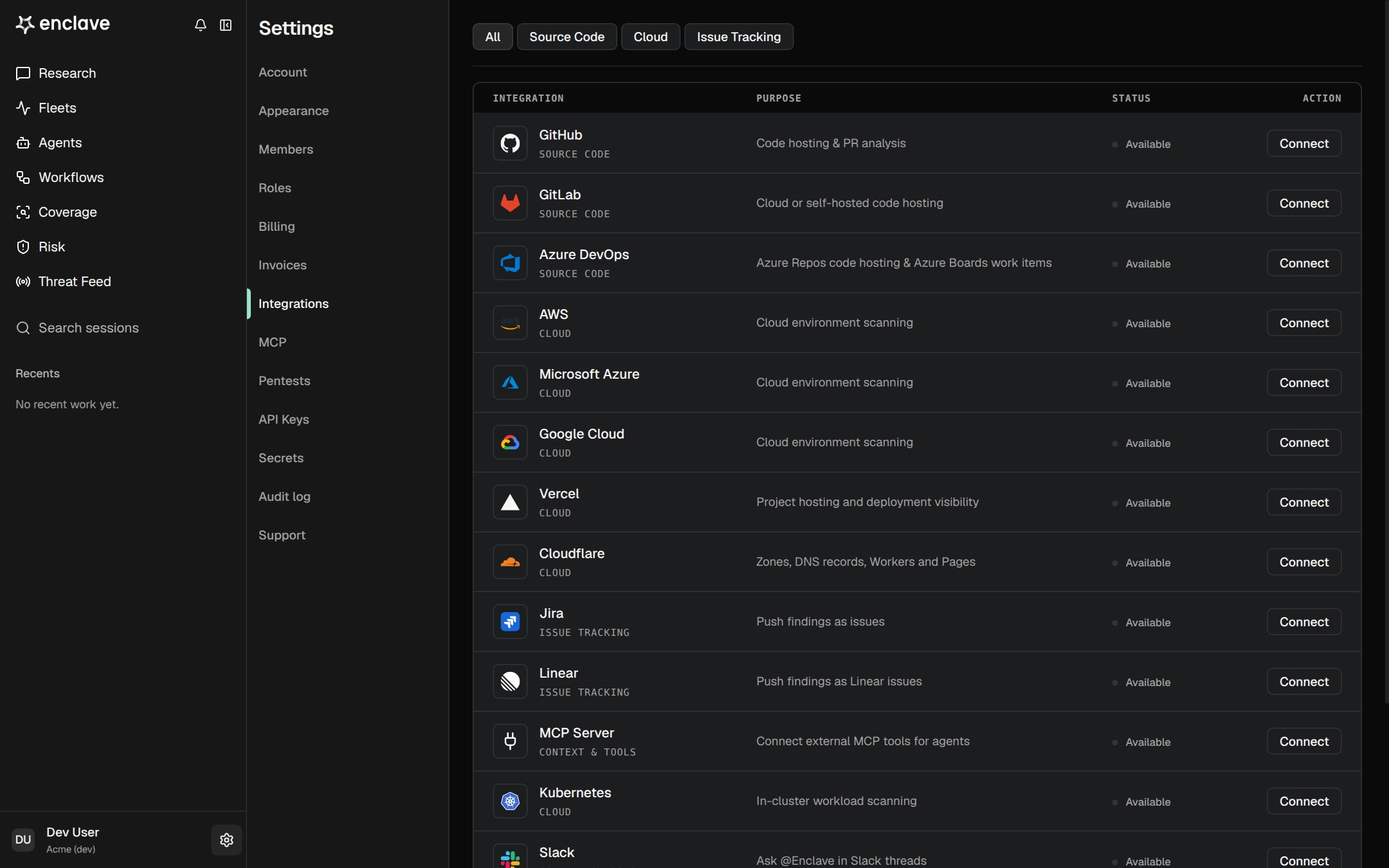
You need the Owner or Admin role in Enclave. You also need permission on the provider side, such as a GitHub organization owner to install the app. Each provider’s guide lists what it needs.
What happens next
- Learning. Enclave maps each repository’s components and attack surfaces. See Repository learning.
- Staying current. Enclave updates the map when new commits reach the default branch.
- PR review. Enclave reviews new pull requests on GitHub and GitLab. See PR and dependency analysis.