

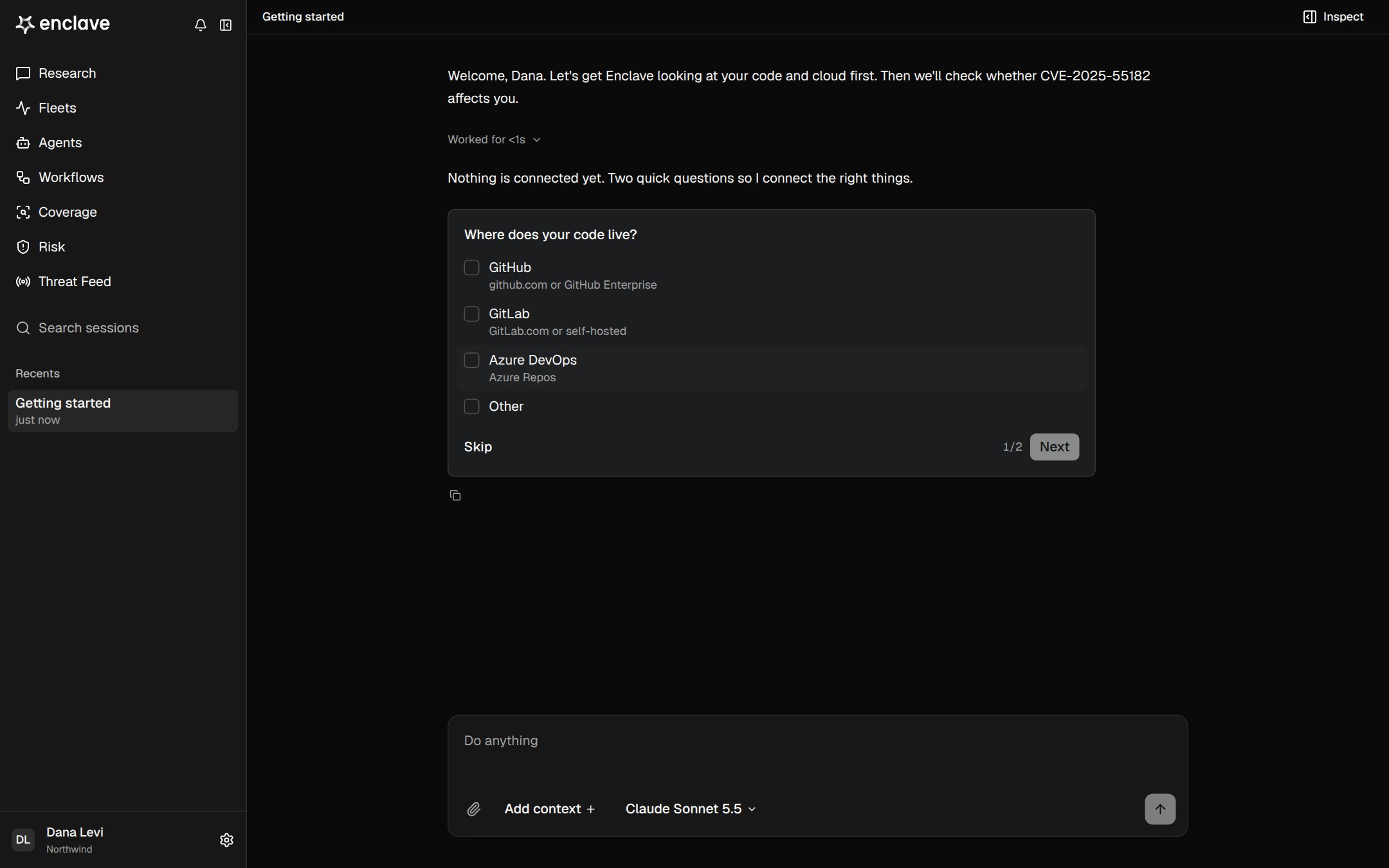
How it works
1
Tell Enclave about your setup
Enclave asks where your code lives and where it runs. Pick every option that applies, or choose Other and type your answer. Enclave doesn’t ask about anything it can already see.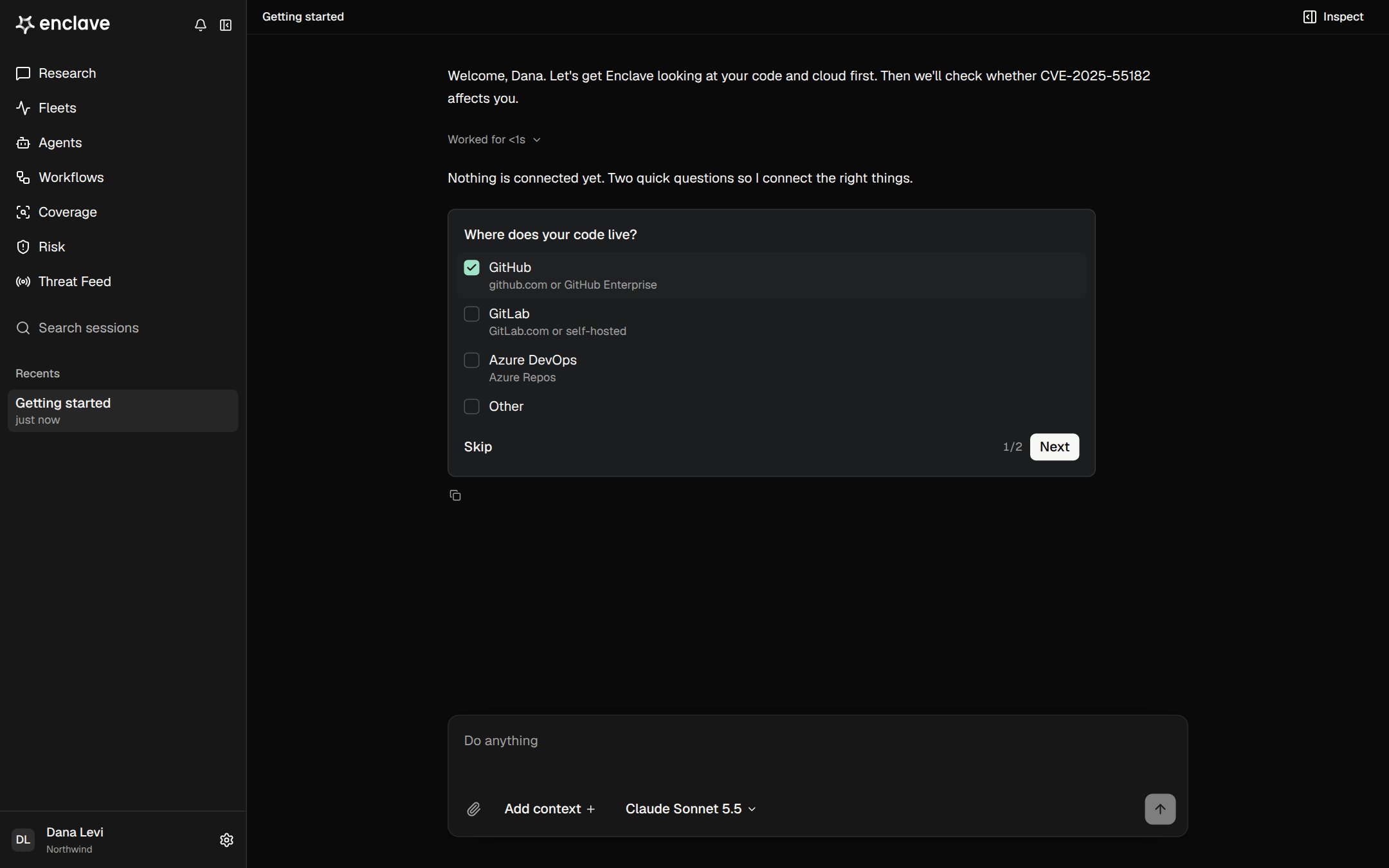
2
Connect what's missing
Enclave shows a card for each integration you still need. Click Connect and follow the provider’s sign-in. The Todos list tracks what’s left.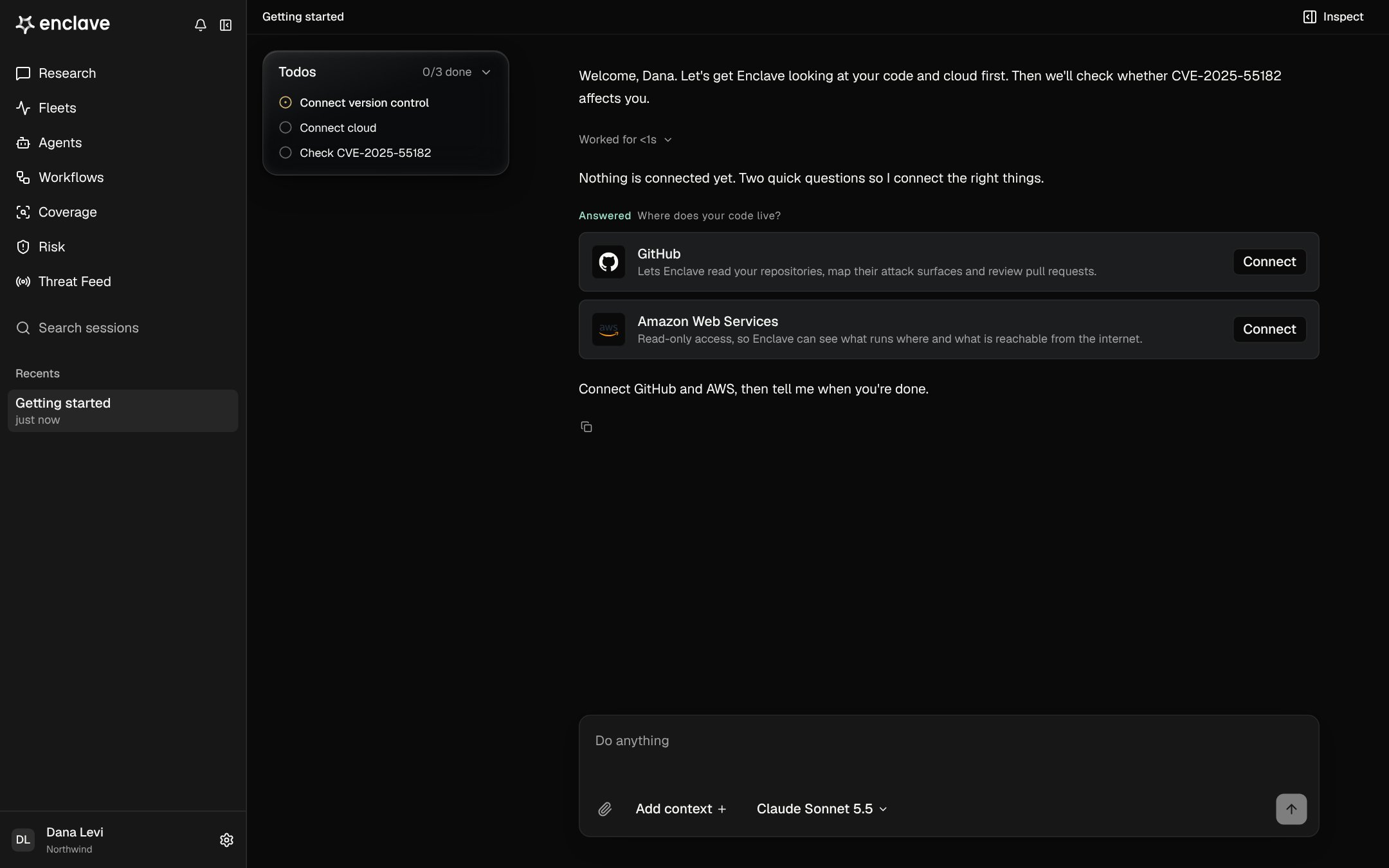
3
Confirm coverage
When you’re done, Enclave checks Coverage and tells you what works, what’s broken, and what’s still missing.
4
5
Start your first task
Enclave shows a card that opens a new Research conversation with a first message written for you. Review it and send it.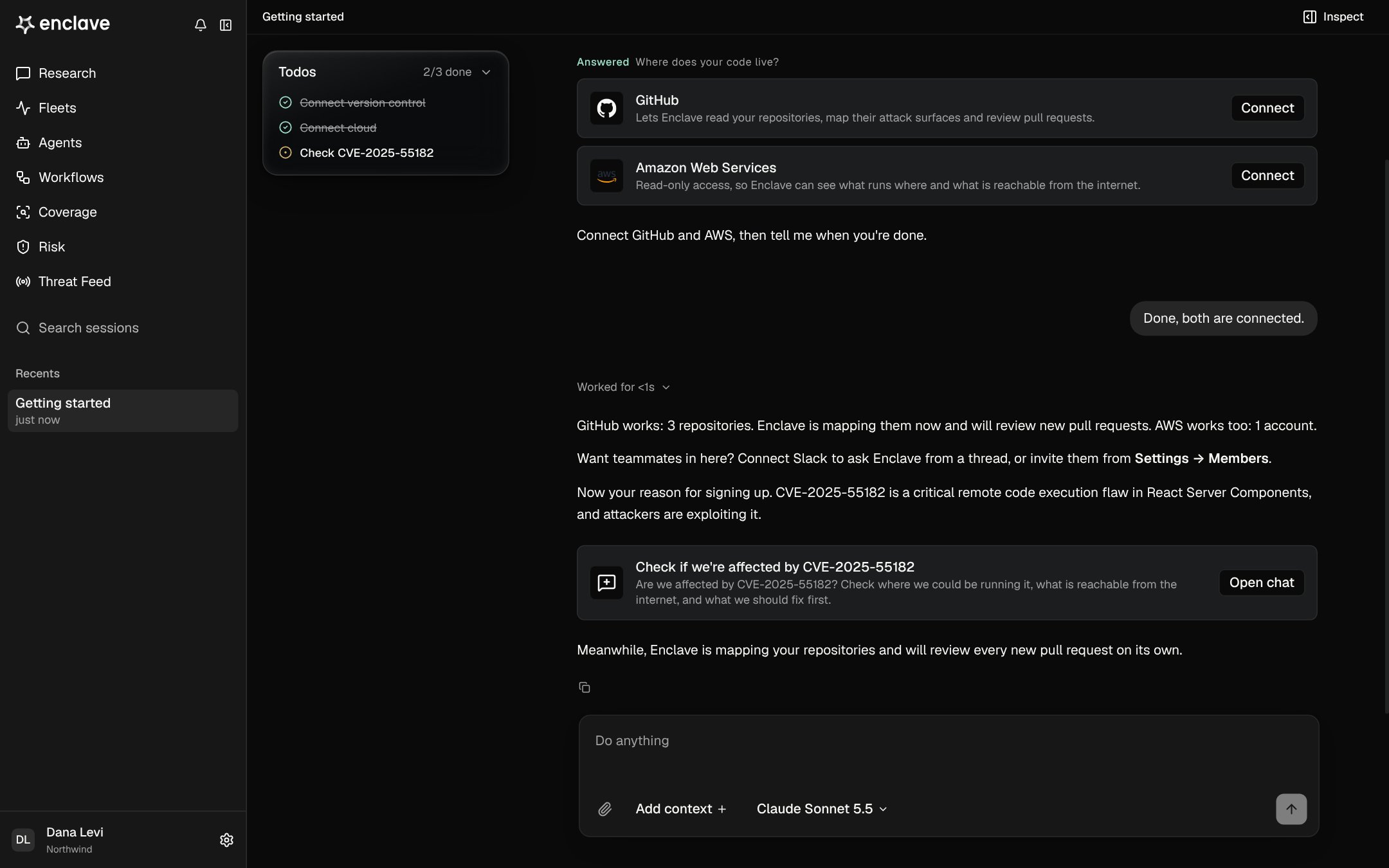
Good to know
- You can leave at any time. Enclave works with whatever you connected, and tells you what it can’t see yet.
- To come back, open Getting started from Recents in the sidebar.
- You can also connect integrations from Settings → Integrations. See Connect code and Connect cloud.
- Members who join an existing organization skip this conversation.