

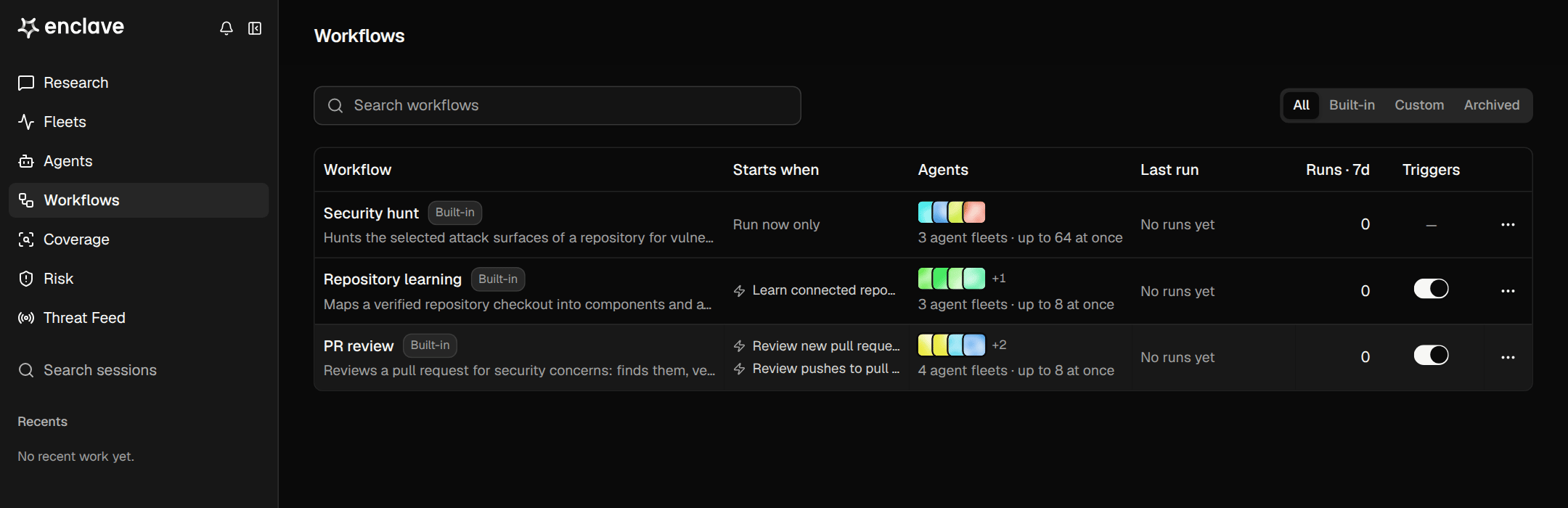
When to use a workflow
Use a workflow when the same analysis should run more than once: on every new finding or pull request, on a schedule, or across many repositories. For a one-off question, use Research.Parts of a workflow
- Inputs: what it runs on, such as a repository, a finding, or attack surfaces.
- Steps: the ordered work. A step can run one agent, run one agent per record in parallel, filter records, or save findings.
- Agents: each step’s model, prompt, and tools. Use a saved agent or define one inline.
- Triggers: what starts a run automatically. See Triggers.
- Budget: each run has a budget between 20 and 2,000 credits (default 80 credits). A run you start pauses when it hits its budget, so you can resume it with a larger one.