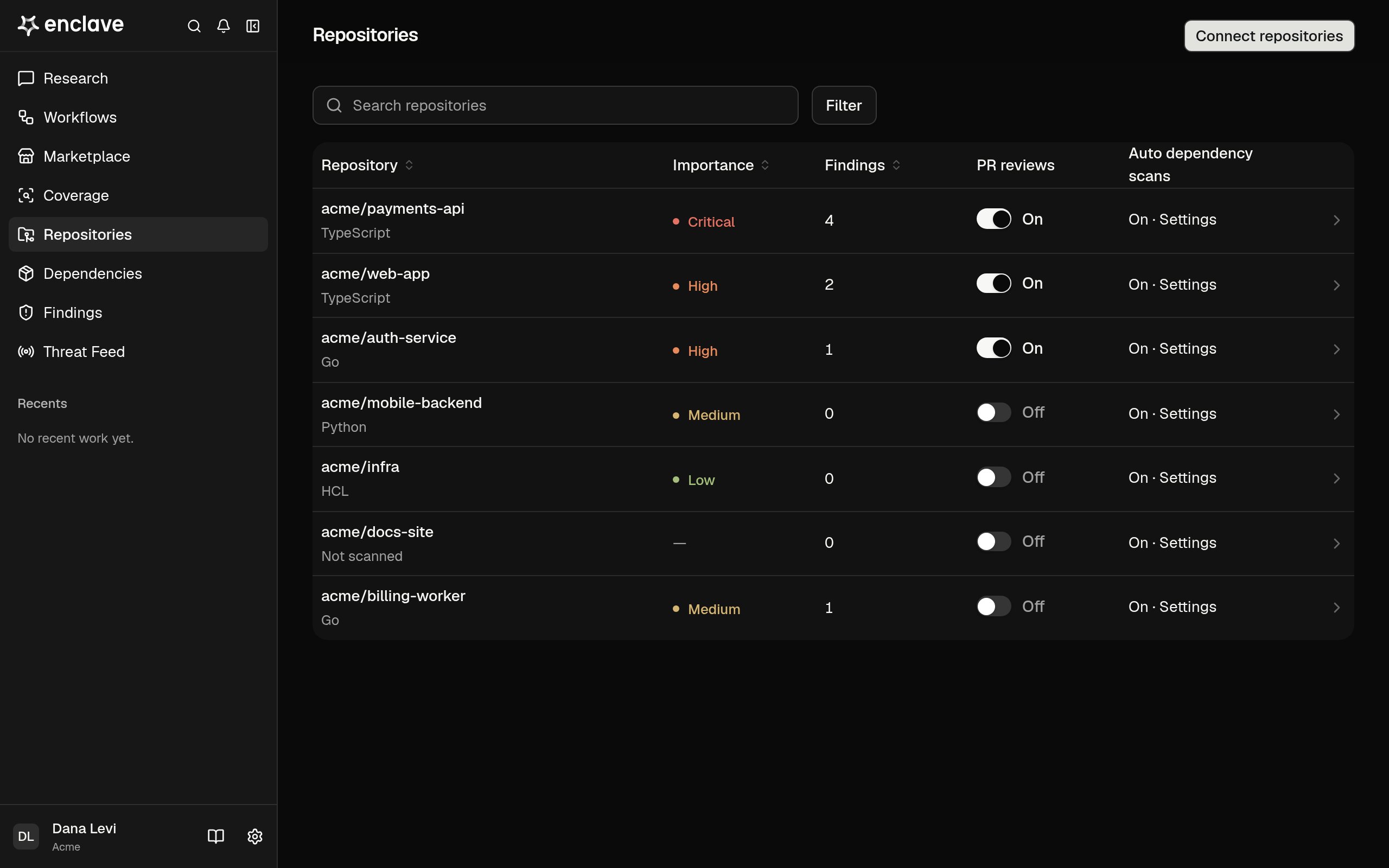
Repositories lists every repository Enclave reads from your source-control integrations. Open one to scan it and see what the scan found.
The Repositories page, listing repositories with their importance, findings, PR reviews switch, and dependency scan state

Find a repository

Each row shows the repository’s Importance (its highest attack-surface risk), its Findings, and its PR reviews and Auto dependency scans switches. A repository that hasn’t been scanned says Not scanned under its name. Search by name, filter by Importance, PR reviews, Dependency scans, or Fork, and click a column header to sort.

Scan a repository

You need the Owner or Admin role.
  1. Click a repository. It opens on its Scan tab.
  2. Click Start scan, or Scan again if it was scanned before.
A scan maps the code and its attack surfaces, then hunts each surface for vulnerabilities. While it runs, the Scanning panel lists its phases and highlights the current one. If a scan stops early, the panel says The last scan didn’t finish and shows where it stopped. Click Scan again to retry. Only repositories connected through GitHub, GitLab, or Azure DevOps can be scanned. If an unscanned repository uses another provider, its Scan tab shows This repository can’t be scanned instead of a scan button.

Repository tabs

To turn automatic PR reviews or dependency scans on or off, use the PR reviews or Auto dependency scans switch on the Scan tab, or the switch in the repository’s row. You need the Owner or Admin role. See PR and dependency analysis and Dependencies.